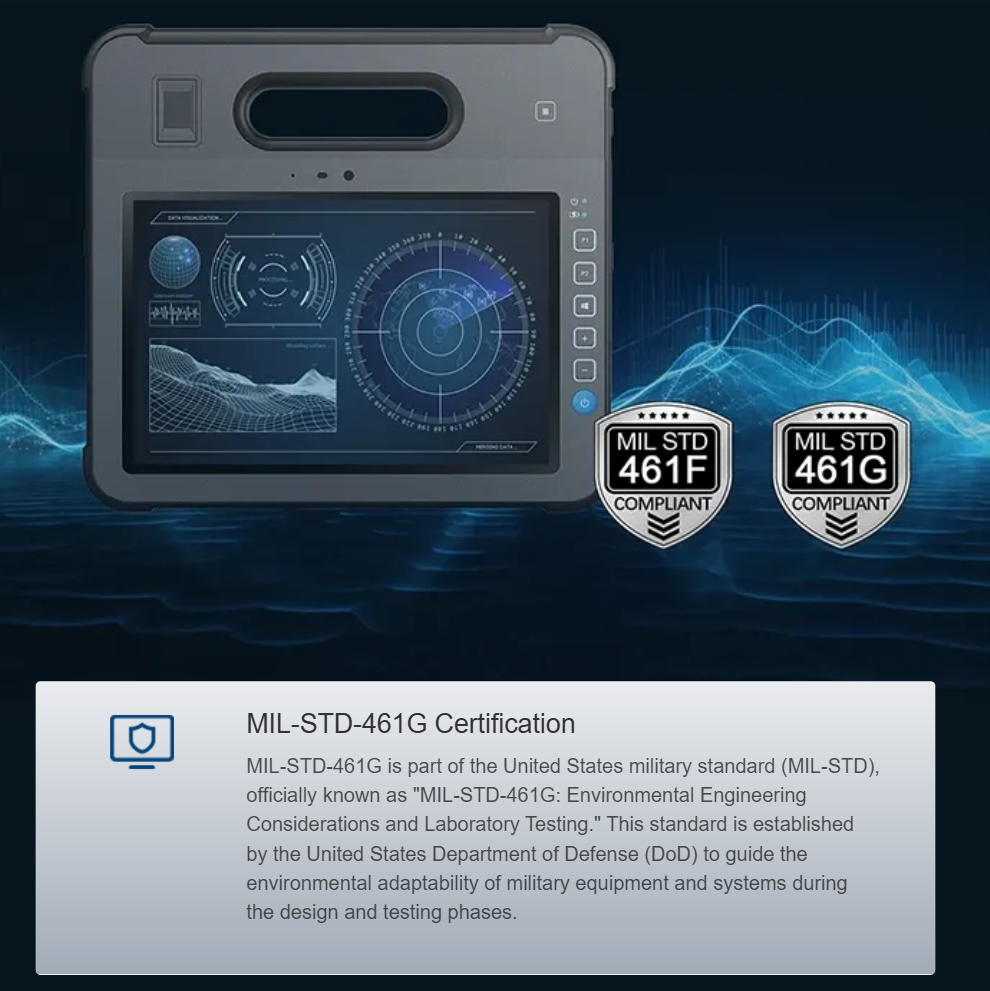
Meeting clinician needs at the edge
Clinicians running image-guided procedures or remote proctoring require precise, consistent performance from a medical tablet computer. The user demand is simple and strict: sub-100ms frame-to-display latency, sustained throughput during multi-hour cases, and secure handling of DICOM images and live streams. This piece is user-centric — written for clinical engineers, OR managers, and bedside IT — and it focuses on the mechanics you must tune to keep a tablet dependable under surgical-grade video pipeline mandates.
Core calibration mechanics explained
Start with duty-cycle definition: the ratio of active processing time to the total operational period under a given workload. On a tablet this ties directly to SoC thermal behavior, GPU acceleration, and power management. Calibration is a three-step loop: benchmark the peak video workload (codec, resolution, frame-rate), profile thermal throttling points, then adjust scheduling and governor settings so the device stays below those thresholds without dropping frames. Industry terms that matter here: latency, GPU acceleration, and RTSP. Hospitals that scaled telemedicine during the COVID-19 pandemic learned that uncalibrated devices fail predictably under load — it’s not theoretical, it’s operational experience shared across large centers like the Mayo Clinic.
Practical configuration checklist
Apply this checklist before you deploy tablets to a clinical workflow:
– Baseline test: run encoded surgical video at target resolution and frame-rate until the device reaches steady-state temperature. Record frame-drop rate and latency.
– Power profile: fix the CPU/GPU frequency windows to avoid aggressive, high-frequency spikes that trigger thermal throttling. Lock core affinity for real-time encoder threads.
– Network tuning: prefer wired or managed Wi-Fi with QoS and multicast support; enable TCP window sizes appropriate for your WAN latency and use RTSP or SRT for low-latency transport.
– Security and policy: enforce HIPAA-compliant disk encryption, secure boot, and vetted drivers; apply signed firmware only.
– Validation: include a clinical dry-run with the intended staff and instruments, and measure duty-cycle across a representative case mix.
Common mistakes and quick mitigations
Teams often assume tablets behave like desktops — they don’t. Common errors: leaving thermal profiles on “auto,” ignoring background services that intermittently spike CPU, and not validating with real device-camera combos. Mitigation steps are straightforward: reduce background processes, pin critical services to reserved cores, and set fixed encoder parameters rather than adaptive defaults that change bitrate mid-case. Also, watch wireless multicast and interference — a single uncontrolled mobile hotspot near the OR can add jitter fast. — These are small fixes that eliminate the largest class of failures.
Comparing tablets and alternatives
When you evaluate options, test devices under identical, repeatable loads. Compare candidate hardware on three axes: sustained throughput (frames per second under 30+ minutes), thermal margin (temperature headroom before throttling), and security posture (signed firmware, TPM, and encryption). For many teams, the choice narrows to ruggedized medical units vs. consumer tablets with MDM. If your priority is assured runtimes and certified drivers, vendors offering surgical-rated modules, extended support, and explicit video-pipeline documentation tend to be the better fit — see offerings labeled as the best medical tablet pc for concrete examples.
Advisory: three golden rules for selection and deployment
1) Measure end-to-end latency under peak-case conditions — include camera capture, encoding, network, decoding, and display — and require vendor data that matches your test method.
2) Demand thermal and duty-cycle specifications: a tablet that lists only burst performance is risky. Verify sustained performance metrics for your clinical workflow.
3) Insist on certified security controls and a clear update policy for firmware and drivers; that reduces field surprises and preserves patient data integrity.
These rules map directly to the devices and services Estone designs around — they prioritize sustained video performance, thermal headroom, and enterprise-grade support, so your clinical teams get predictable results without surprise degradation. Estone.
– steady, tested, secure.