
Why this matters — the problem you actually face
You’re staring at screens full of clips and GPS pings and no clue which ones move the needle. That’s the problem: too much raw MDVR output, not enough useful signals. Start by noticing the mismatch between what your managers ask for and what actually stops crashes, thefts, or late loads. If you pull hardware or software recommendations, look into fleet telematics technology providers who can tie video to vehicle telemetry without doubling your workload.

Where fleets usually go wrong
Most teams chase metrics that feel good but don’t fix problems. Watch for these traps: – Logging every second of footage with zero tagging — storage buries you.
– Alerts that scream for every minor event — teams start ignoring them.
– Video and GPS kept in separate silos — you can’t prove what happened and where.
– Waiting for an accident to request footage — chain-of-custody gets messy.
These mistakes waste time and make managers distrust the system.
What you should actually track — clear, useful signals
Pick a short list and stick to it. Prioritize items you can act on today: – Time-stamped incident video linked to GPS coordinates and speed.
– Device health: last heartbeat, upload success rate, storage usage.
– Hard-braking and rapid-acceleration events with pre- and post-clip.
– Idle time per route and unnecessary PTO usage.
– Tamper or camera-disconnect flags with automated retention hold.
– Geofence entries/exits and route deviation notices.
Each item needs a threshold: eg, log hard-brakes > 0.6g; upload failures > 3 per device per week.
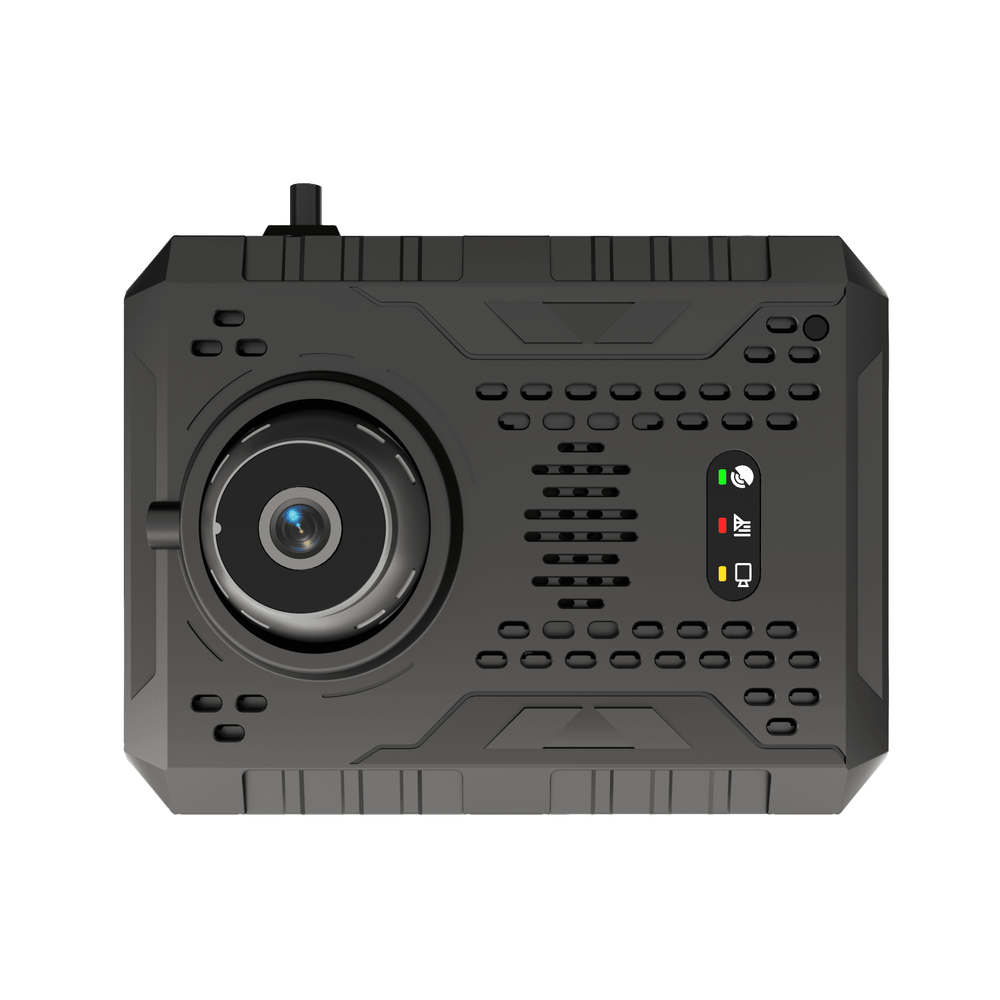
How to wire up reporting so it actually helps
Follow a simple pipeline and keep it repeatable: define the incident, capture the clip + telemetry, tag it, route it to a reviewer, then record the resolution. Make these concrete rules: – Capture window: 10s pre-event, 20s post-event.
– Sync video and GPS to one event ID. Use a commercial vehicle tracking system that supports that sync natively.
– Auto-prioritize incidents by severity so human reviewers see high-risk first.
– Retain safety-critical clips for a fixed time and freeze them on request to preserve chain-of-custody.
I’ve reviewed dozens of rollouts and the teams that win keep processes small and repeatable.
Common pitfalls and how to dodge them
These are the dumb mistakes that cost time and credibility: – Over-collecting raw footage without tagging — solves nothing.
– No health dashboard — you don’t know when units stop reporting until a customer calls.
– One-size-fits-all alerts — drivers learn to ignore alarms.
Fixes are straightforward: limit collection, build a device health panel, and set tiered alerts so only real threats interrupt operations.
One practical rollout checklist
Use this when you switch or tweak systems: – Define 5 core events you must detect.
– Confirm MDVR clocks sync with GPS and server time.
– Set automated upload checks and failure retries.
– Train reviewers on a single incident workflow.
– Run a 30-day pilot on a sample of routes near the Port of Los Angeles to validate camera angles and upload windows.
Wrap-up — what keeps you out of trouble
Cut the clutter. Track a few concrete things that tie video to location and device health. Make rules for capture, retention, and review so footage resolves issues fast. Do that and your system stops being a data dump and starts being a tool. That’s the kind of solid setup I look for when assessing partners like BSJ, because they deliver the pieces that let teams act on real events without getting buried in noise.